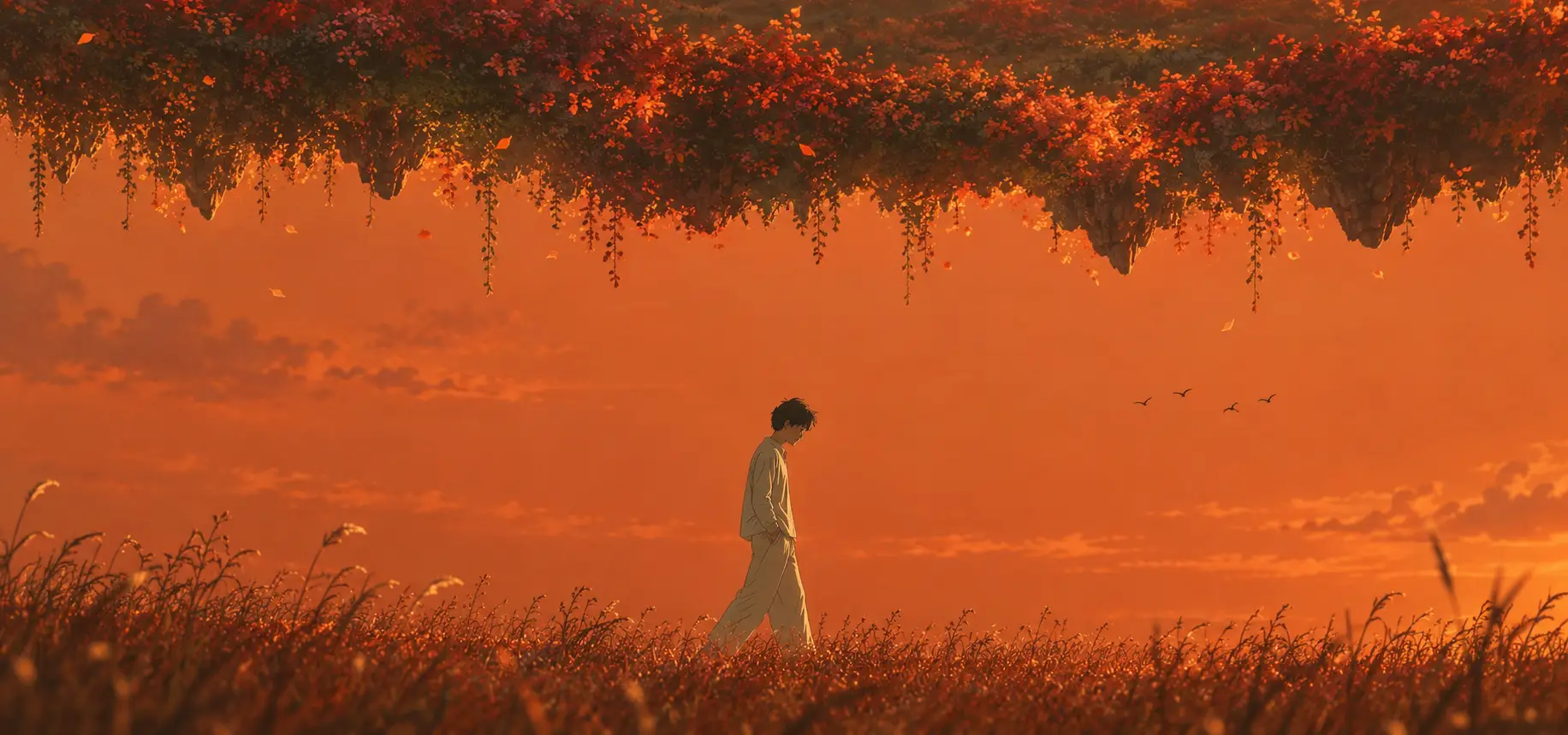
AI Image Generator
Create illustrations, social posts, and product images, or edit photos—all with leading AI models in one place.
AI Image Generator
Leading AI image models, all in one place
Create with GPT Image 2, Nano Banana, Midjourney, and more. Choose the right model for your next image without switching platforms.
 GPT Image 2Text & image editing
 Nano BananaPhoto editing
 MidjourneyArt & illustration
 SeedreamProducts & ad creative
 Grok ImaginePortraits & social
 Qwen ImageText & design
 Recraft V4Design & illustration
- Wan ImageCreate & edit
 Flux AIPhotos & illustration
 Meta AICreate & edit
- Z Image TurboFast image creation
- Nano Banana 2Photos & design
Explore AI Image Generator Examples

Explore community examples—from AI illustrations and product images to social media graphics and photorealistic visuals—to find inspiration for styles and prompts.
What you can do with Mireka
AI image generation, from idea to final image
Create with an AI image generator, compare image models, and finish every result with AI image editing. Everything your next creation needs, in one place.
01One AI image generator workspace
More ways to create. One place to begin
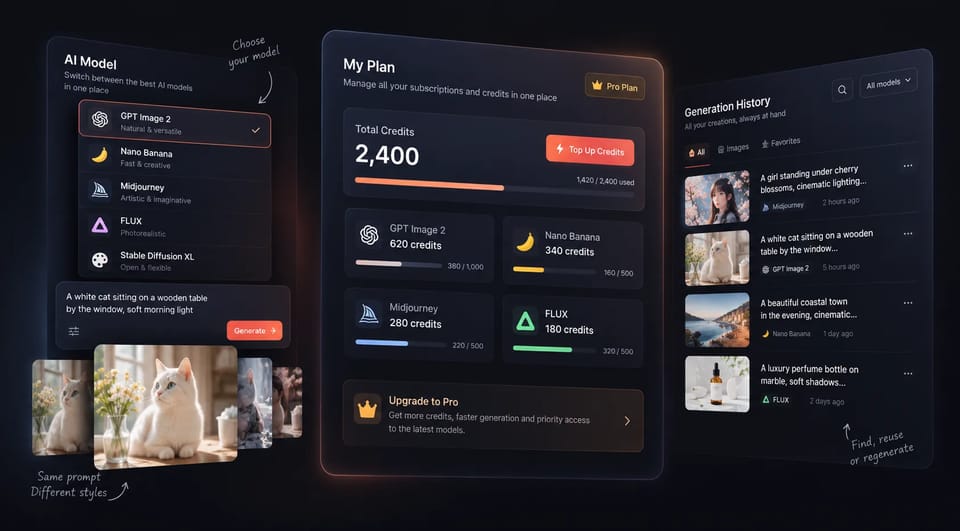
Photography, AI illustration, and product visuals. Explore different image generation models in one AI image generator workspace, with your credits and creation history together.
- Switch between image generation models
- One credit balance
- Your creations, all together
One workspace
GPT Image 2Nano BananaMidjourney
02Social and product image sizes
Your vision. In the right frame
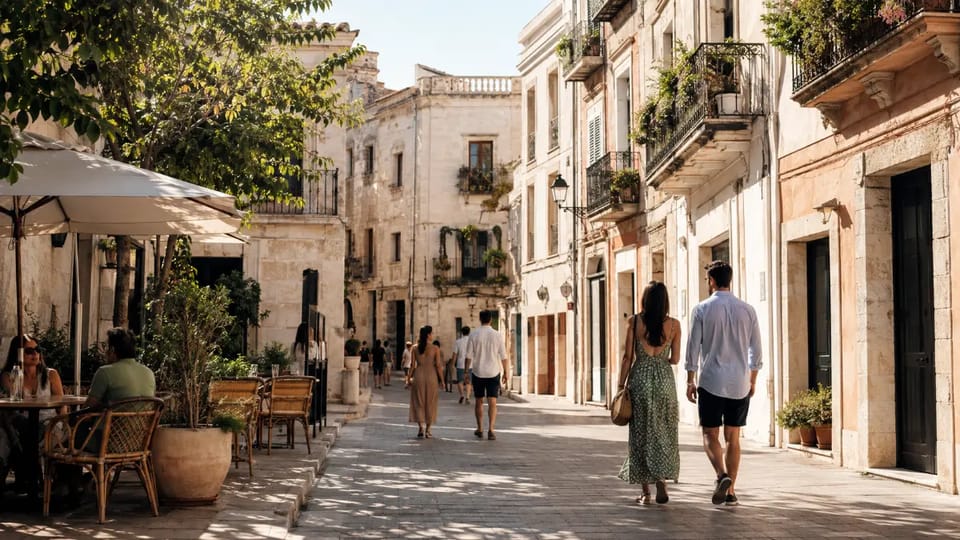
A social post, a video thumbnail, or a product image. Choose a ratio for its destination and start AI image generation with a composition that puts the subject first.
- Landscape, square, and portrait
- Compose for your destination
One image. A different perspective.
 16:9
16:903Compare image generation models
Find the AI for your kind of extraordinary
Expressive portraits, AI illustrations, and striking product images. Compare image generation models with the same idea and find the finish that feels right for your work.
- Explore different models
- Choose the finish you love
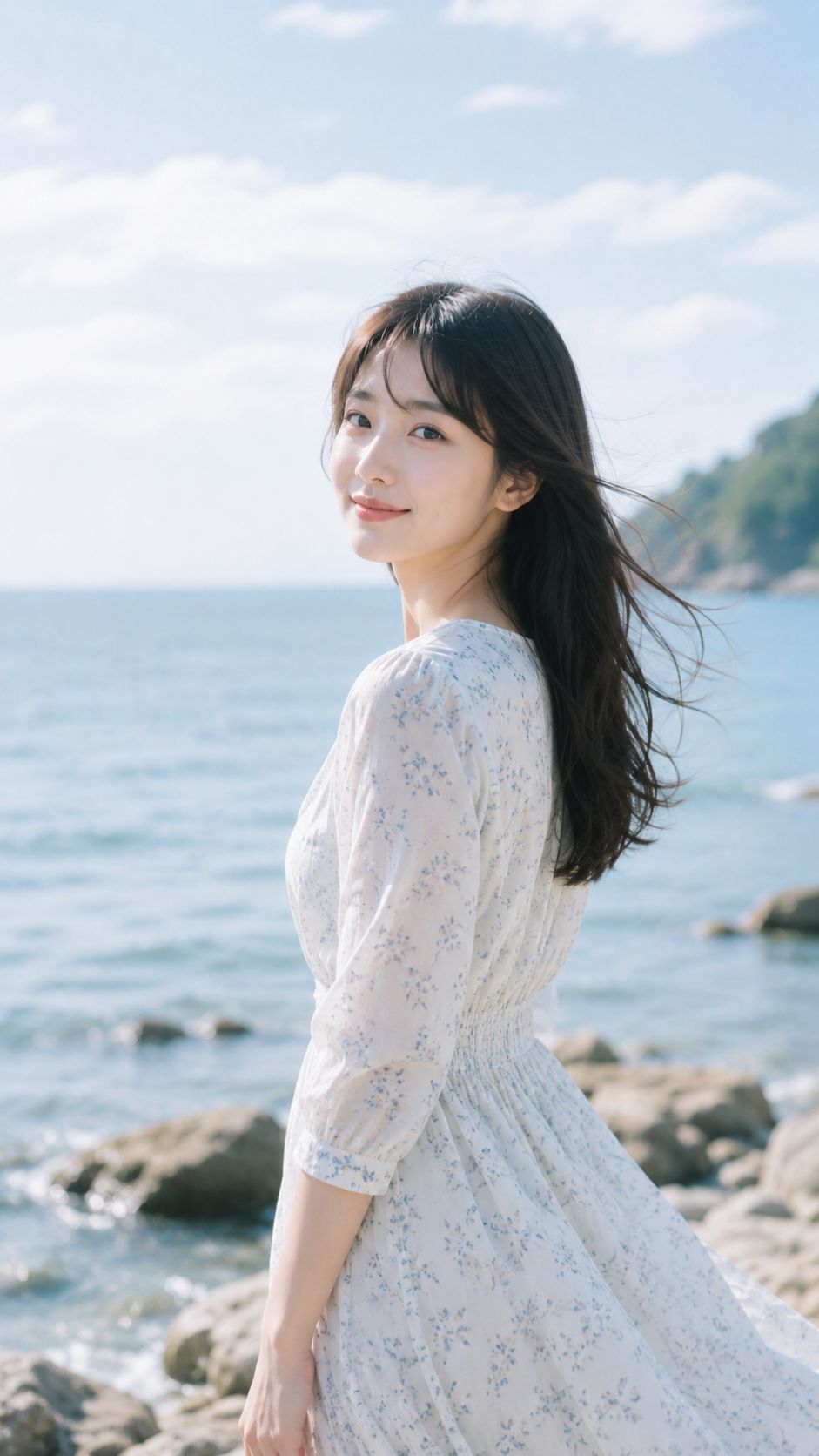
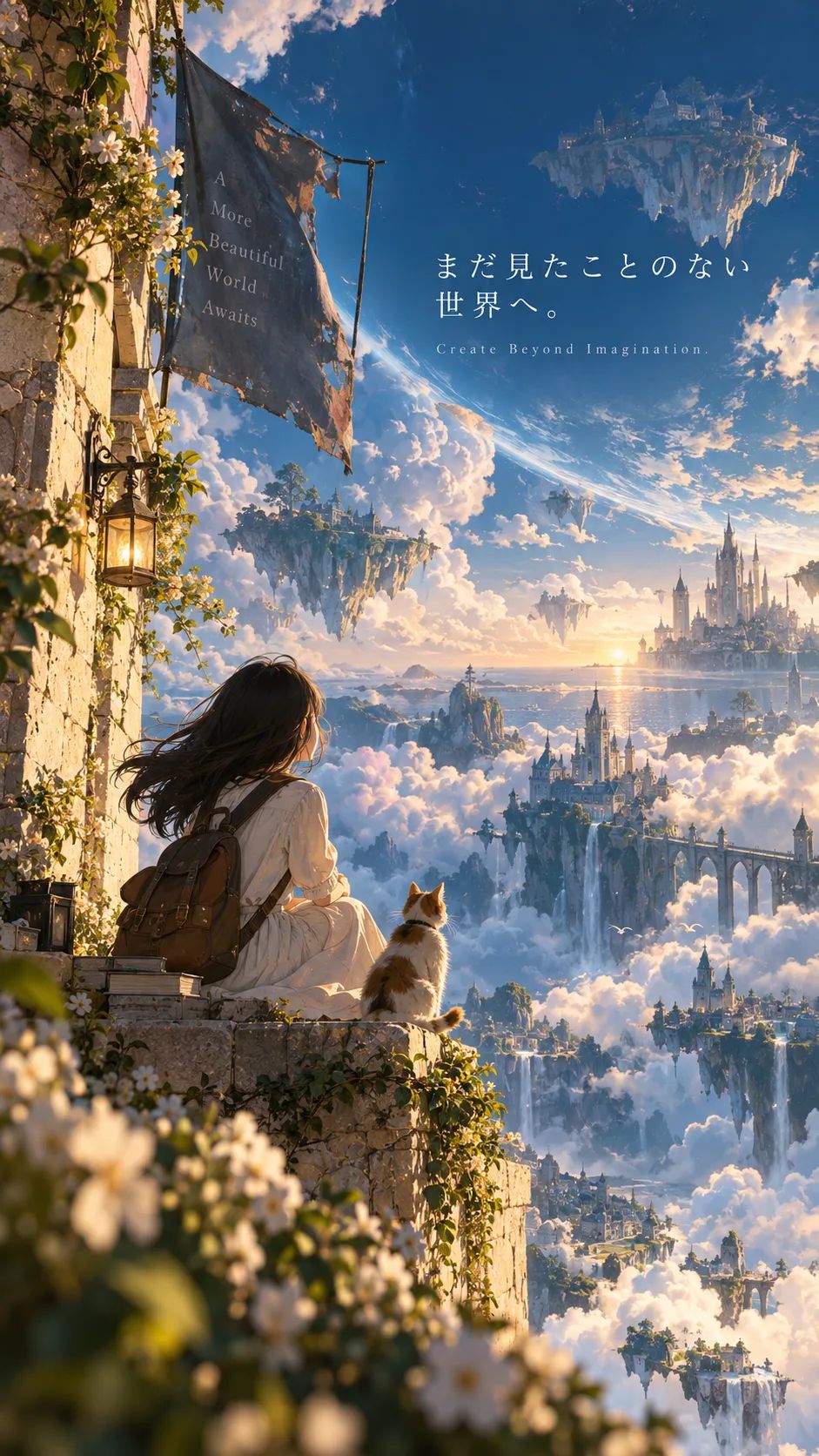
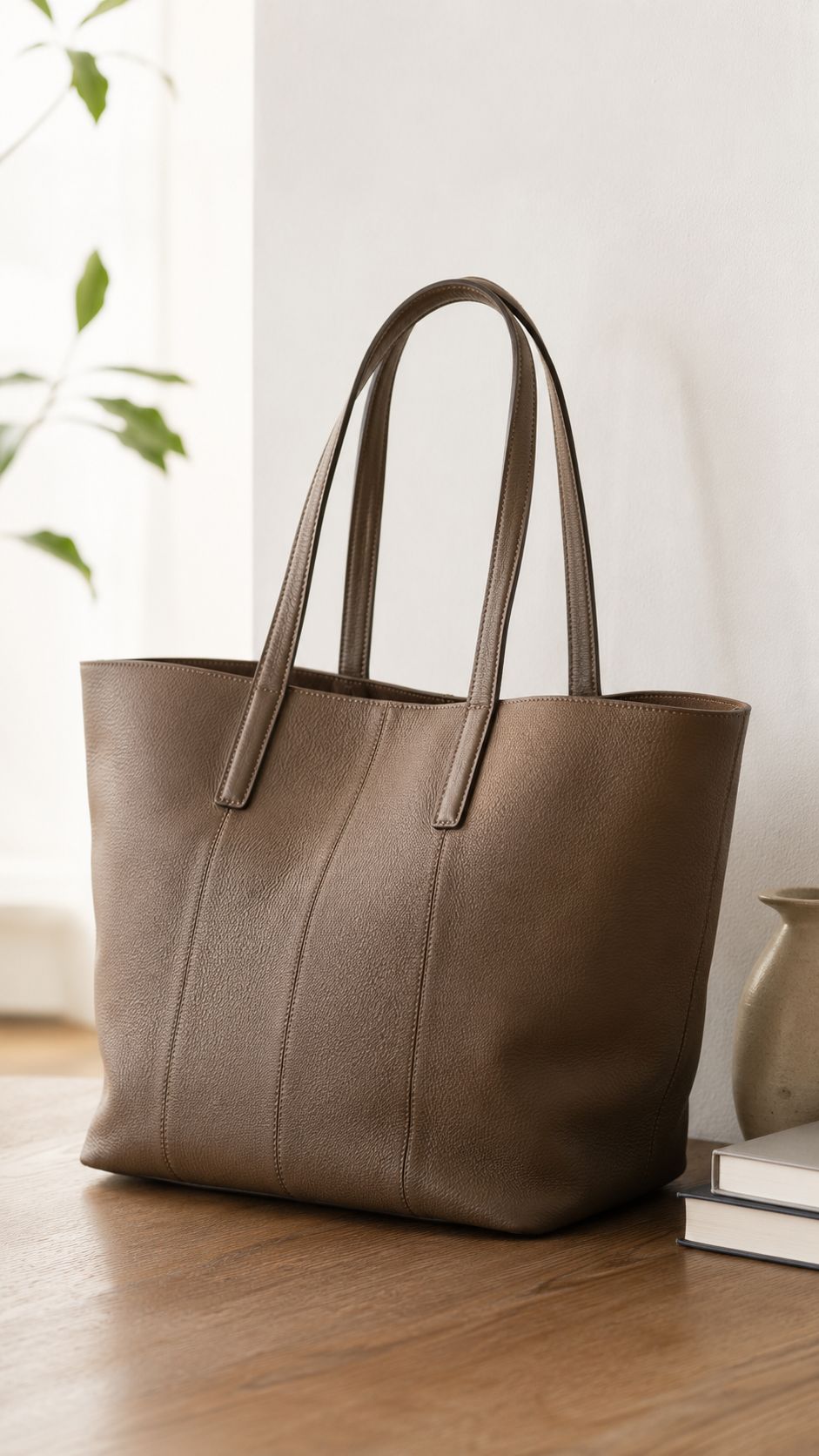
04Refine with AI image editing
A small change. A different feeling
Change a material, refine the light, or reimagine a background. Describe the adjustment in your own words and edit a generated image or a photo you already have.
- Rework backgrounds and materials
- Refine light, color, and details
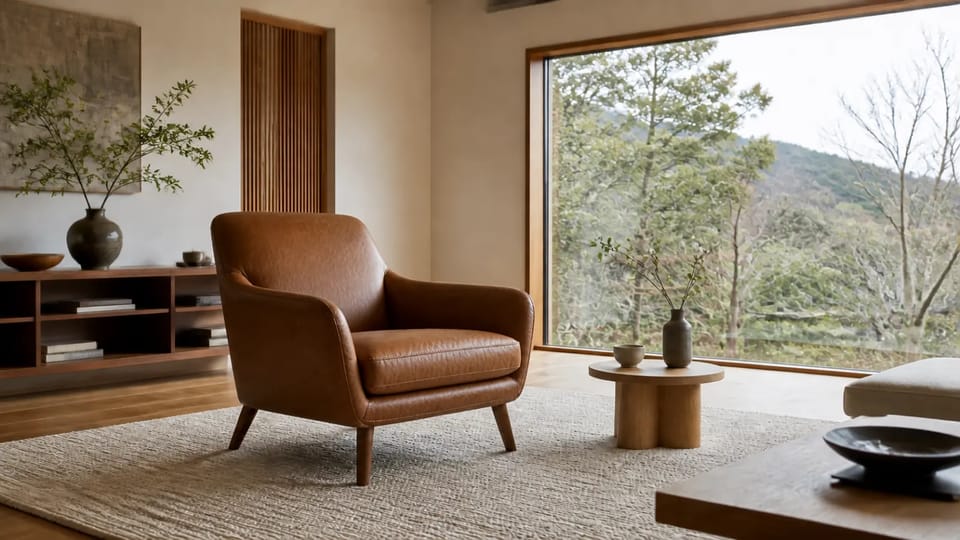 After
After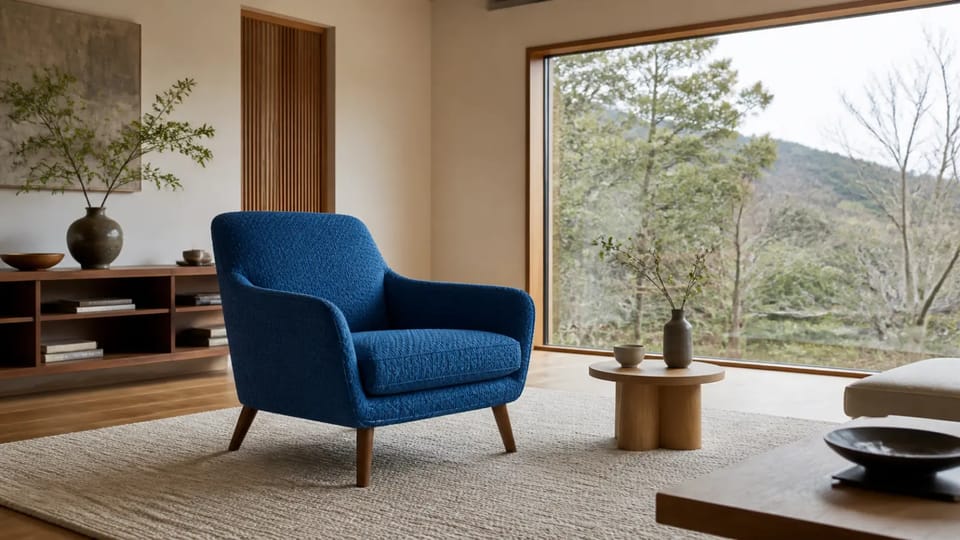 Before
“Change the chair to brown leather. Keep the room and lighting.”
05A little inspiration goes a long way
See something you love. Make it your own
Find an image that catches your eye and use its prompt and settings as a starting point. Change the subject or mood to begin creating something of your own.
- Start with an example prompt
- Carry over model and ratio settings
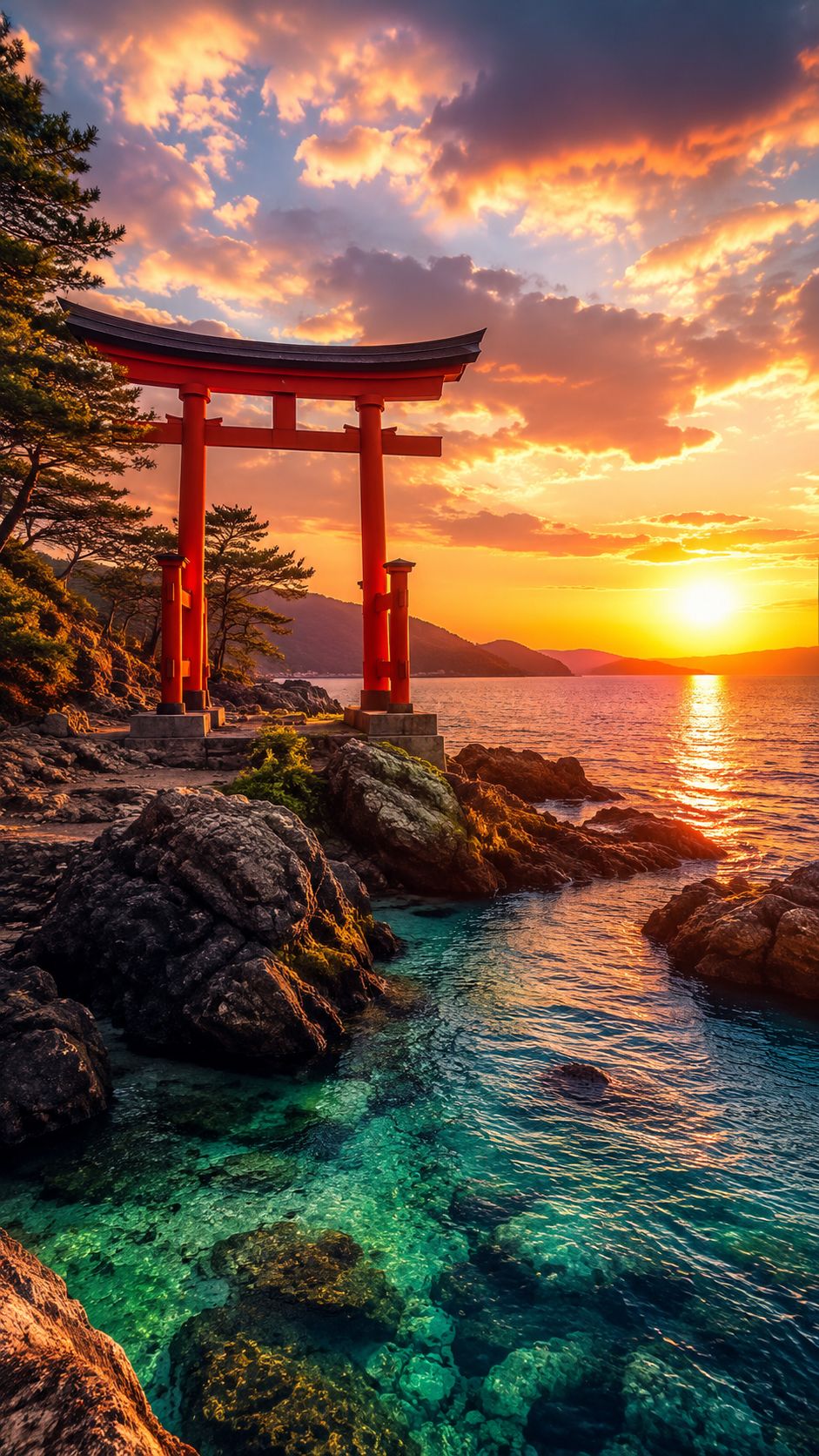
A prompt to inspire you
A red torii above an emerald sea at sunset. Golden light across the water, clear waves over the rocks. A moment from a film.
Your next creation starts hereAI IMAGE GENERATOR · CREATIVE USES
AI image generator for products, illustrations, social posts, and photos
Create product images that reveal every detail, illustrations with a world of their own, social graphics that stand out, and lifelike photos. Explore the AI image generator by use case, with styles, lighting, and compositions shaped around what you want to make.
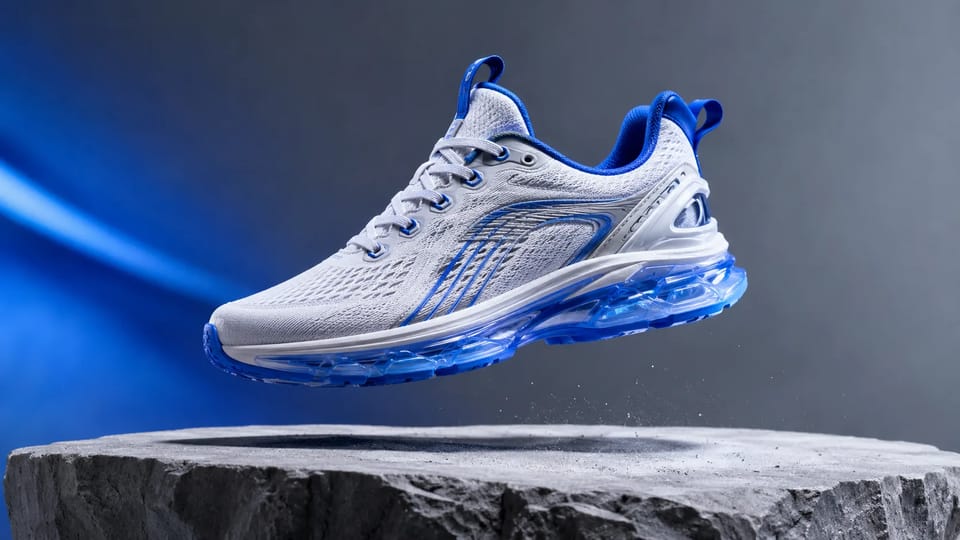
AI image generator for product photography and advertising
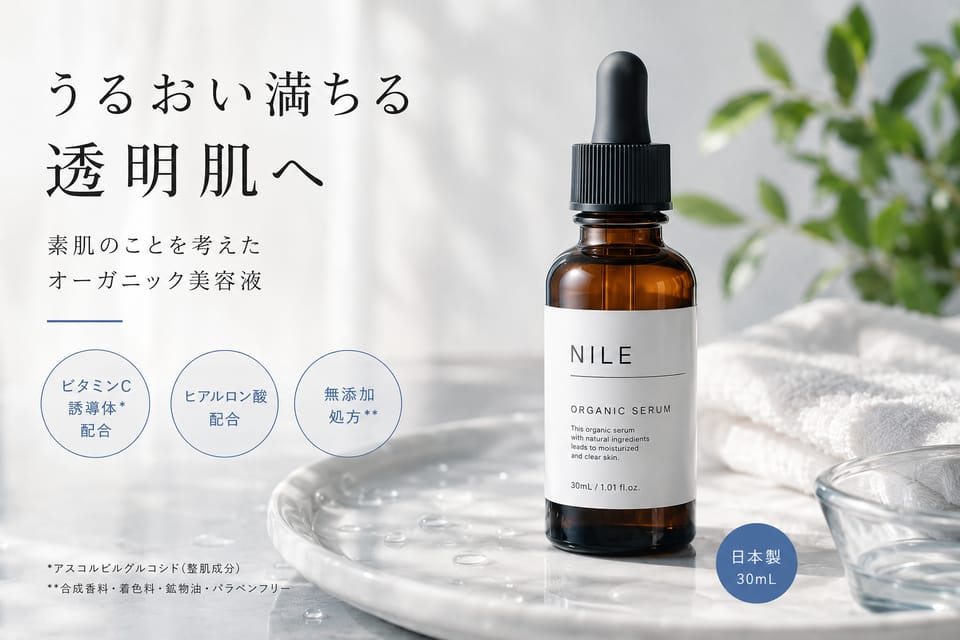
From ecommerce product images to brand campaign visuals, use the AI image generator to shape the background, lighting, and composition around your product. Describe transparent glass, reflective metal, or textured fabric to bring materials into focus. Start from an idea or use a product photo as a reference for image editing.
Shape product images with background and light
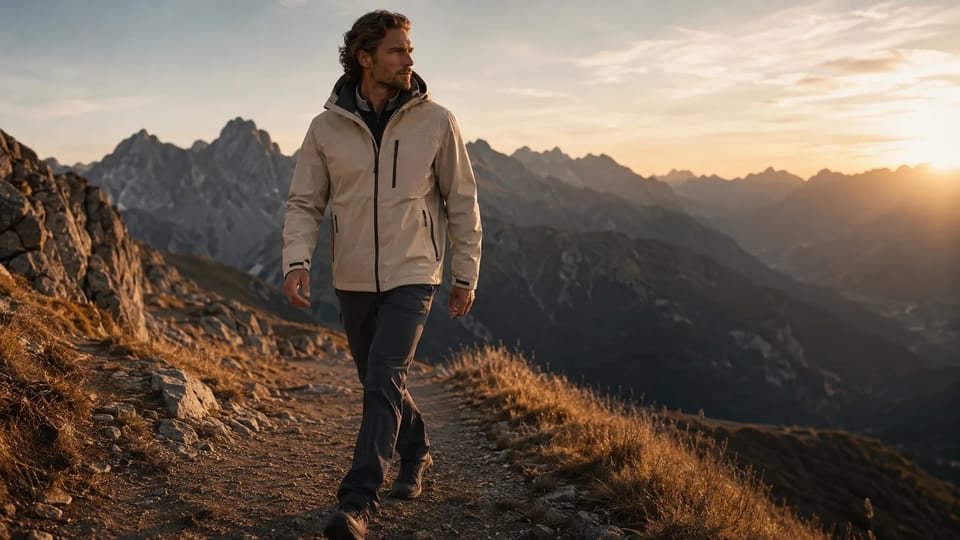
Choose a clean setting for product listings or dramatic backlighting for an advertising image. With the AI image generator, plan space for a headline and keep your product at the center of the composition.
FROM IDEA TO IMAGE
How to Use the AI Image Generator in Four Steps
Move from a new idea or reference photo to a finished image in one clear workflow.
1
Choose text or photo
Start with Text to Image for a new scene or Image to Image when you want to transform a reference photo.
2
Describe the finished image
Write the subject, setting, composition, lighting, colors, and style you want the AI image generator to create.
3
Set the model and frame
Choose an AI model, aspect ratio, resolution, and output settings that match where the image will be used.
4
Generate, refine, and download
Create your image, compare the results, refine another version if needed, and download your favorite.
AI Image Generator FAQs
Find answers about free generation credits, prompts, image editing, commercial use, and other essentials to know before you begin.
Yes. Mireka provides free generation credits so you can try AI image generation. The number of credits used varies by model and settings, and you can review the required amount before generating.
AI image generation is a technology that creates new images from text instructions or reference images. Also known as generative AI for images, it can produce photorealistic visuals, AI illustrations, product images, social media assets, and more.
Yes. You can enter prompts in English on Mireka. Prompt comprehension and the quality of text rendered inside images vary by model, so refer to prompt examples and model recommendations when needed.
Yes. Use the AI illustration generator to create flat editorial art, watercolor scenes, picture-book illustrations, characters and line art. Explore style examples and ready-to-use prompts, then shape the subject and palette for your project.
Supported models let you upload photos for AI edits such as changing backgrounds, transforming styles, and adding or removing elements. Make sure you have the necessary rights and permissions for every image you upload.
The Free plan is intended for trying the service, and images generated on it cannot be used commercially. Images generated on paid plans can generally be used commercially. Terms may vary by plan or model, so review the latest details for each pricing plan and the Terms of Service.
The best model depends on what you want to create. Review recommendations for use cases such as AI illustrations, product photography, text-based designs, and photo editing. If you are unsure, start generating from the recommended models.
Yes. You can view and download generated images from the results screen or your generation history. Available formats and output sizes may vary depending on the selected model and settings.
Yes. Mireka works in browsers on both smartphones and computers. On a smartphone, you can enter prompts, select models, generate images, and review the results.
Uploaded images and prompts are handled only as needed for image generation and service delivery. See the Privacy Policy for details about data collection, storage, and sharing. We also recommend reviewing those terms before uploading sensitive content such as personal photos or confidential business materials.
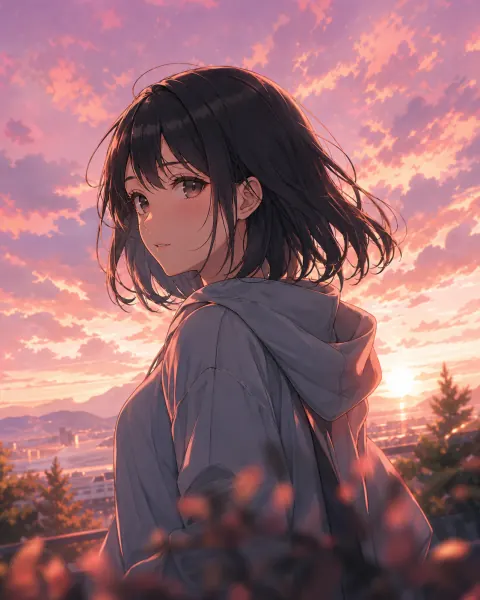
AI image generator for every idea
Start generating AI images
for free today
Use Mireka's AI image generator to create images from natural-language prompts. Start your first image with free generation credits.
Start for Free- Free generation credits included
- Natural-language prompts supported
- Multiple AI image models available