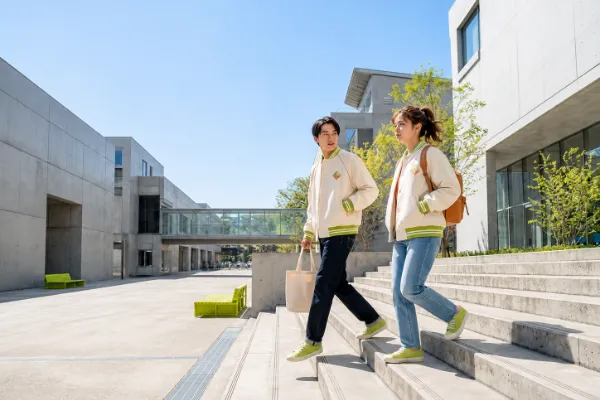
Portraits & Fashion Editorials
Use the AI photo generator to direct expressive portraits with intentional posing, wardrobe, lighting, and location.
REALISTIC AI PHOTOGRAPHY
Create portraits, product shots, food photography, and cinematic lifestyle scenes without organizing a photoshoot. Describe the image you want or upload a reference photo, then use a realistic AI photo generator to shape the subject, lighting, composition, and atmosphere in one polished workflow.
 AI Photo Generator
The AI photo generator turns a clear brief into polished fashion, product, lifestyle, city, and interior photography.
Direct wardrobe, movement, location, lens perspective, and natural light as one cohesive fashion brief.
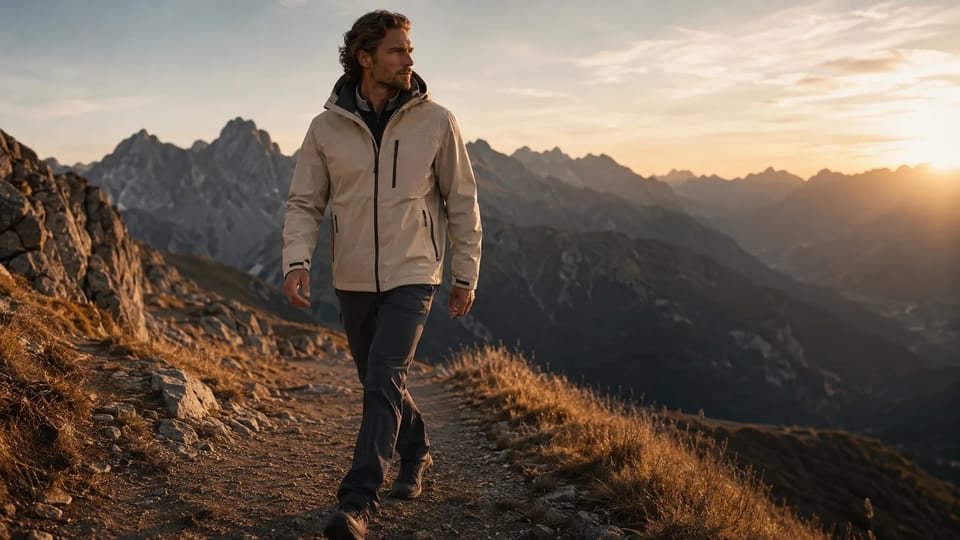
Direct wardrobe, movement, location, lens perspective, and natural light as one cohesive fashion brief.
Start from a written brief or upload a reference when the person, product, composition, or visual identity should guide the result.
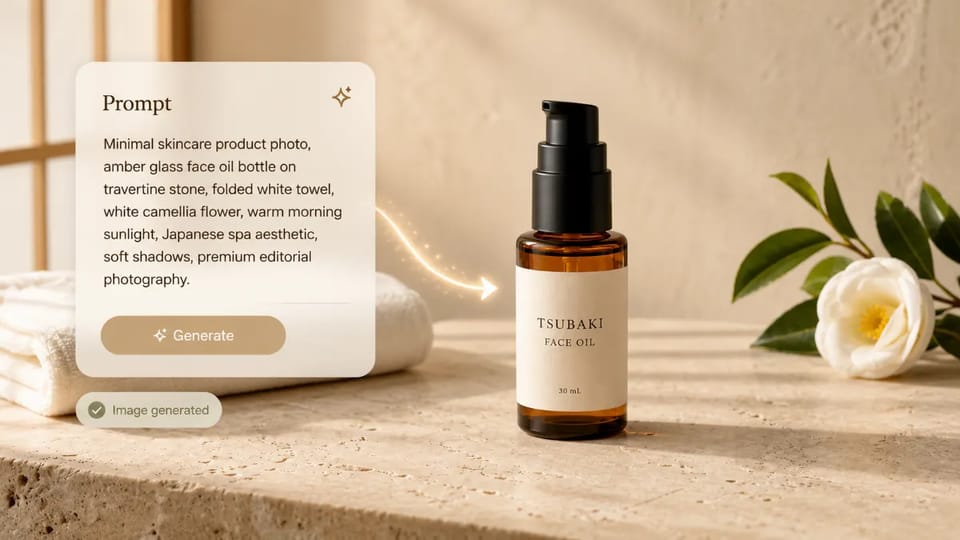
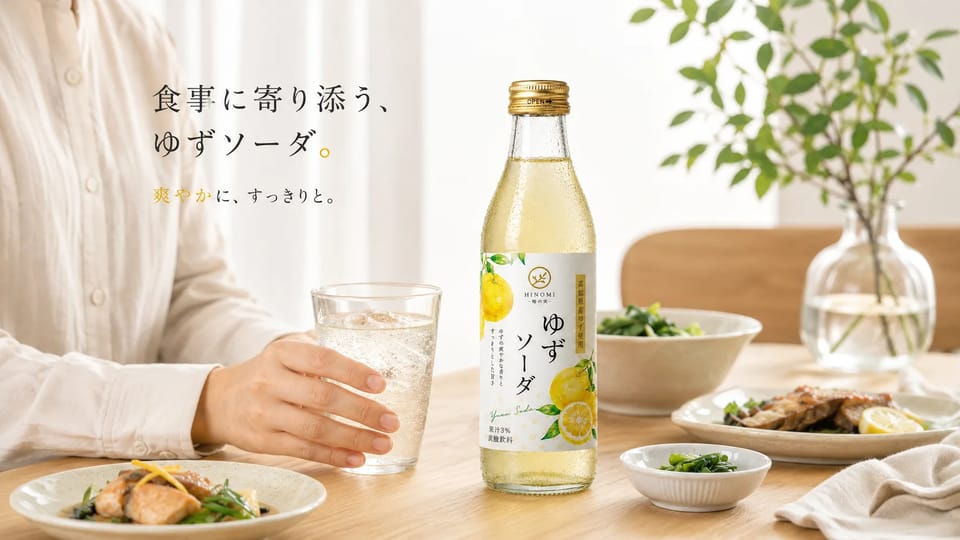 New Scene
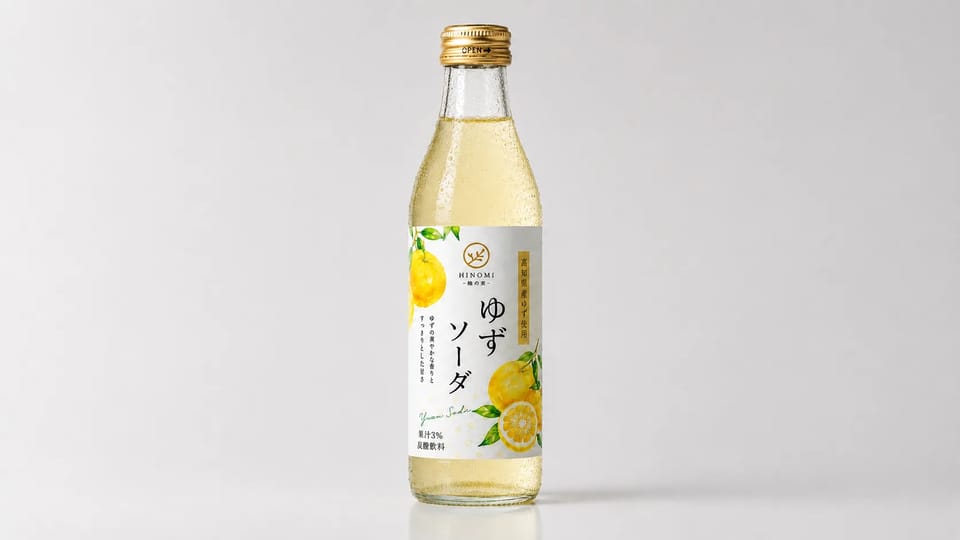 Reference
Use the AI photo generator for campaign, storefront, editorial, hospitality, and travel photography.
Use the AI photo generator to direct expressive portraits with intentional posing, wardrobe, lighting, and location.
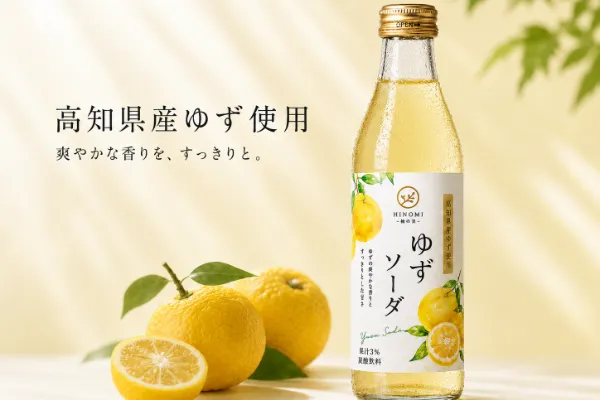
Use the AI photo generator for premium hero shots, product-in-use scenes, and seasonal campaigns.
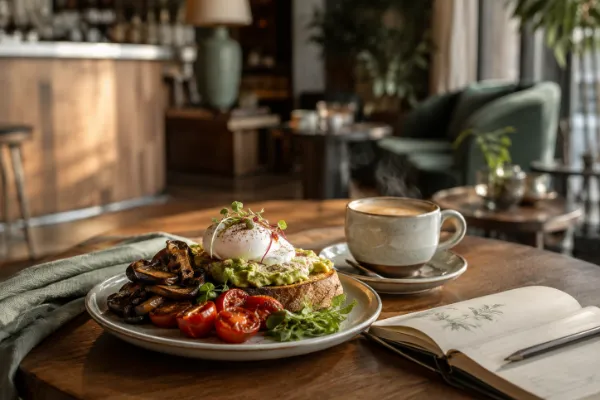
Build inviting food, café, hotel, and interior scenes with tactile detail and cinematic light.
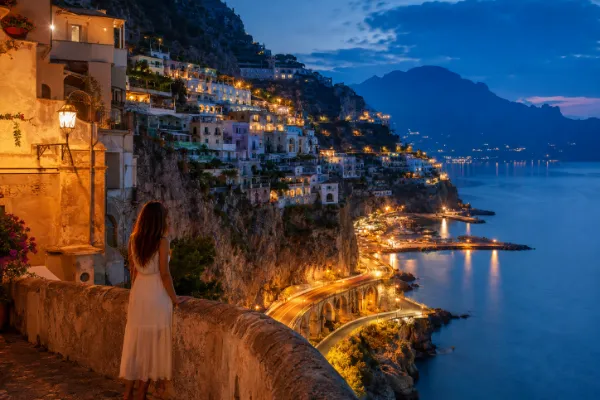
Frame atmospheric cities and landscapes for destination campaigns, articles, and visual stories.
The AI photo generator brings the essential controls for professional images into one clear workflow.
The AI photo generator lets you switch models to explore different realism, visual character, and creative speed.
The AI photo generator works from a written direction or an uploaded person, product, room, or scene.
Control framing, lens feel, lighting, styling, texture, palette, and atmosphere with a concise brief.
Create square, portrait, landscape, story, and cinematic compositions for each publishing destination.
Generate another interpretation, change the atmosphere, or reuse a result as a visual reference.
Review recent generations, favorite the strongest options, and download finished images in one place.
Compare the leading models inside the AI photo generator by realism, reference handling, commercial polish, and creative character.
Strong AI photo generator prompts read like concise art direction. Build the shot from subject, composition, light, texture, and atmosphere.
Give the AI photo generator a clear person, product, place, or action with distinctive styling.
Choose a close portrait, full-body editorial, overhead table, centered hero shot, or wide establishing frame.
Tell the AI photo generator to use window light, golden hour, studio diffusion, or an overcast sky.
Call out natural skin, fine fabric, polished metal, frosted glass, steam, stone grain, or glossy packaging.
Finish with understated luxury, warm hospitality, documentary energy, playful color, or cinematic drama.
The AI photo generator takes you from an empty canvas to a finished visual in one direct workflow.
Open the AI photo generator and choose Text to Image for a new scene or Image to Image for a reference-led result.
Tell the AI photo generator the subject, setting, composition, lighting, material detail, and atmosphere.
Choose the model, aspect ratio, resolution, and output settings for the final destination.
Create with the AI photo generator, favorite the strongest result, refine another version, and download the finished image.
Open the AI photo generator, choose a model, and see the required credits before you create. Signup trial credits make it easy to explore your first direction, while pricing and plan details keeps current plans and credit options in one place.
Create an account and use signup trial credits to explore the complete AI photo generator workflow.
The AI photo generator shows the required credits after you select a model and settings, so every cost stays visible.
Explore different image models in Mireka without managing a separate subscription for every creative direction.
Creators use the AI photo generator to turn briefs into polished visual directions without waiting for a traditional shoot.
“The AI photo generator turns one product idea into distinct campaign moods while the brief is still fresh.”
Maya Brooks
Ecommerce creative lead
“The portrait workflow feels like directing a shoot. I shape wardrobe, framing, light, and mood instead of searching stock libraries.”
Ethan Cole
Independent art director
“Reference mode keeps my product as the hero while I explore café, bathroom, and outdoor campaign settings.”
Aisha Grant
Beauty brand marketer
“I use the AI photo generator to establish a story’s visual language before production begins.”
Lucas Bennett
Content producer
“Square, portrait, and wide concepts share one workflow, so every social placement feels like one campaign family.”
Sofia Ramirez
Social content manager
“Model choices let me compare polished commercial, fashion, and lifestyle directions without leaving the project.”
Noah Walker
Freelance designer
“The AI photo generator turns one product idea into distinct campaign moods while the brief is still fresh.”
Maya Brooks
Ecommerce creative lead
“The portrait workflow feels like directing a shoot. I shape wardrobe, framing, light, and mood instead of searching stock libraries.”
Ethan Cole
Independent art director
“Reference mode keeps my product as the hero while I explore café, bathroom, and outdoor campaign settings.”
Aisha Grant
Beauty brand marketer
“I use the AI photo generator to establish a story’s visual language before production begins.”
Lucas Bennett
Content producer
“Square, portrait, and wide concepts share one workflow, so every social placement feels like one campaign family.”
Sofia Ramirez
Social content manager
“Model choices let me compare polished commercial, fashion, and lifestyle directions without leaving the project.”
Noah Walker
Freelance designer
“The AI photo generator turns one product idea into distinct campaign moods while the brief is still fresh.”
Maya Brooks
Ecommerce creative lead
“The portrait workflow feels like directing a shoot. I shape wardrobe, framing, light, and mood instead of searching stock libraries.”
Ethan Cole
Independent art director
“Reference mode keeps my product as the hero while I explore café, bathroom, and outdoor campaign settings.”
Aisha Grant
Beauty brand marketer
“I use the AI photo generator to establish a story’s visual language before production begins.”
Lucas Bennett
Content producer
“Square, portrait, and wide concepts share one workflow, so every social placement feels like one campaign family.”
Sofia Ramirez
Social content manager
“Model choices let me compare polished commercial, fashion, and lifestyle directions without leaving the project.”
Noah Walker
Freelance designer
“The AI photo generator turns one product idea into distinct campaign moods while the brief is still fresh.”
Maya Brooks
Ecommerce creative lead
“The portrait workflow feels like directing a shoot. I shape wardrobe, framing, light, and mood instead of searching stock libraries.”
Ethan Cole
Independent art director
“Reference mode keeps my product as the hero while I explore café, bathroom, and outdoor campaign settings.”
Aisha Grant
Beauty brand marketer
“I use the AI photo generator to establish a story’s visual language before production begins.”
Lucas Bennett
Content producer
“Square, portrait, and wide concepts share one workflow, so every social placement feels like one campaign family.”
Sofia Ramirez
Social content manager
“Model choices let me compare polished commercial, fashion, and lifestyle directions without leaving the project.”
Noah Walker
Freelance designer
Clear answers about creating portraits, products, food, interiors, and lifestyle images online.
An AI photo generator creates photographic images from text, a reference image, or both. Direct the subject, setting, composition, light, texture, and atmosphere, then generate the finished visual online.
The AI photo generator creates editorial portraits, ecommerce product shots, beauty campaigns, food photography, interiors, travel scenes, and cinematic lifestyle content in square, portrait, landscape, or wide formats.
Choose Image to Image, upload a portrait, product, room, or visual reference, and describe the new background, wardrobe, light, season, surface, or campaign atmosphere.
Choose GPT Image 2 for detailed scenes, Nano Banana 2 for reference-led creation, Seedream 5 Pro for polished light and materials, or Grok Imagine for expressive concepts.
Give the AI photo generator a concise photography brief: subject, framing, light, texture, setting, and mood. Specific details such as window light, brushed metal, or a low camera angle sharpen the direction.
Yes. Signup trial credits let you try the AI photo generator without entering a credit card. The live generator shows the required credits before every run.
The AI photo generator supports the ratios and resolutions available for each model, including square, portrait, landscape, story, and cinematic frames for social, ecommerce, editorial, and presentation use.
Paid plans support commercial creative work such as websites, advertising, ecommerce, social media, and print. Review the current pricing and commercial-use details and service terms for the latest plan conditions.
Turn your portrait, product, food, interior, or lifestyle direction into a polished image now.